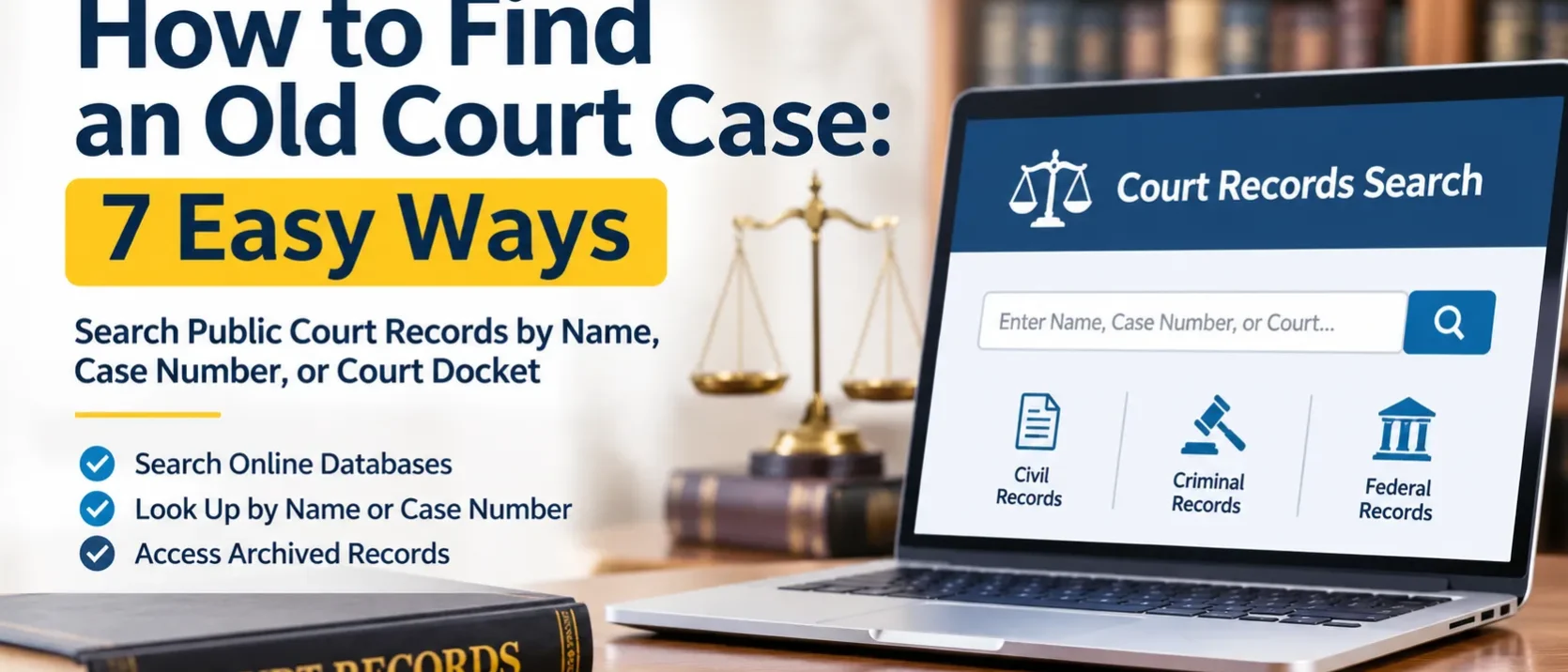
Finding an old court case can take some research, especially if you do not know the case number, the courthouse, or the year it was filed. Whether you are researching a past legal matter, checking a family history, or trying to obtain documents for personal records, a court records search can help you locate useful information.
Court records are maintained by different courts and government agencies. The process depends on where the case was heard, whether it was civil or criminal, and how long ago it was closed. Some records are available online, while older files may require a request to the courthouse or records department.
This guide explains how to find an old court case and what information can make the process easier.
1. Start with the Basic Details of the Case
Before beginning a court case search, gather as much information as possible. Even a few details can help narrow down the results.
Try to identify:
- Full name of one or more people involved
- Approximate year the case was filed
- State, county, or city where the case was heard
- Type of case, such as criminal, civil, family, or probate
- Court name, if known
- Case number, if available
You do not need every detail to begin. A person’s full name and the approximate location may be enough to start a court case lookup. However, common names can produce many results, so additional information helps confirm that you have found the correct case.
2. Search Online Court Record Portals
Many courts provide online databases where the public can search case information. These portals may include case summaries, filing dates, party names, hearing schedules, and docket entries.
Start with the official website of the court system where the case was handled. Depending on the jurisdiction, you may find a statewide database or an individual county court search tool.
A general public court records search can help you identify the relevant court system, but official court websites should be your primary source for verifying case information.
3. Use Court Records Search by Name
If you do not have a case number, searching by a person’s name is often the most practical starting point.
A court records search by name may allow you to search for a plaintiff, defendant, petitioner, respondent, or another party involved in a case.
For better results:
- Enter the person’s full legal name.
- Try alternate spellings or previous names when relevant.
- Search using a middle name or initial if available.
- Narrow the results by location and filing year.
- Check the case type and court before assuming a match is correct.
A name search may return multiple people with similar names. Always compare other details, such as dates, locations, and parties involved, before identifying a record as the case you need.
4. Look Through the Court Docket
A court docket search can be especially useful when you know that a case existed but need to understand its history.
A docket is a chronological record of activity in a court case. It may list:
- Original filing date
- Motions and responses
- Court hearings
- Orders and judgments
- Case status changes
- Closure or dismissal information
Older cases may have limited online docket information. If the docket does not show the complete history, additional court records may need to be requested from the clerk’s office or the relevant records department.
5. Try a Case Number Lookup
If you have an old case number, use it to narrow your search. A case number lookup is often more precise than searching by name because each court assigns identifying numbers to its cases.
Case numbers may contain a combination of letters, numbers, filing years, and court-specific codes. Enter the number exactly as it appears on the original paperwork, including any letters or punctuation.
If the search does not return a result, check whether:
- You are using the correct court’s database.
- The number belongs to a different county or jurisdiction.
- The court uses a different format for older cases.
- The case has moved to an archived records system.
A case number from one court generally will not work in another court’s database.
6. Search Criminal and Civil Court Records Separately
The type of case can determine where and how you should search.
Criminal Court Records Search
A criminal court records search may help locate information about criminal charges, court appearances, judgments, sentencing, and case outcomes.
Start with the criminal court or clerk’s office that handled the matter. Availability may depend on the jurisdiction and the record’s status. Certain records, including sealed cases, juvenile matters, and expunged records, may not be publicly accessible.
Also, a court case record is not the same as a complete criminal history report. It reflects information maintained by the relevant court.
Civil Court Records Search
A civil court records search can help locate disputes involving individuals, businesses, property, contracts, debt, and other noncriminal matters.
Civil records may include complaints, responses, motions, settlement information, judgments, and other filings. Depending on the court, some documents may be available online, while others must be requested from the clerk.
If you are looking for a lawsuit from many years ago, search the court’s civil division and provide the names of the parties and an approximate filing date.
7. Check Federal Court Records
Not every case is handled by a state or county court. Certain matters are heard in the federal court system, so a state-level search may not find them.
For a federal court records search, use the federal judiciary’s Public Access to Court Electronic Records (PACER) service. PACER provides access to federal case and docket information from participating courts.
You can search by party name or case number, depending on the available search option. Federal district courts, bankruptcy courts, and appellate courts maintain different case records.
Some older federal files may not be fully available electronically. If a document is missing, contact the relevant federal court clerk’s office for guidance.
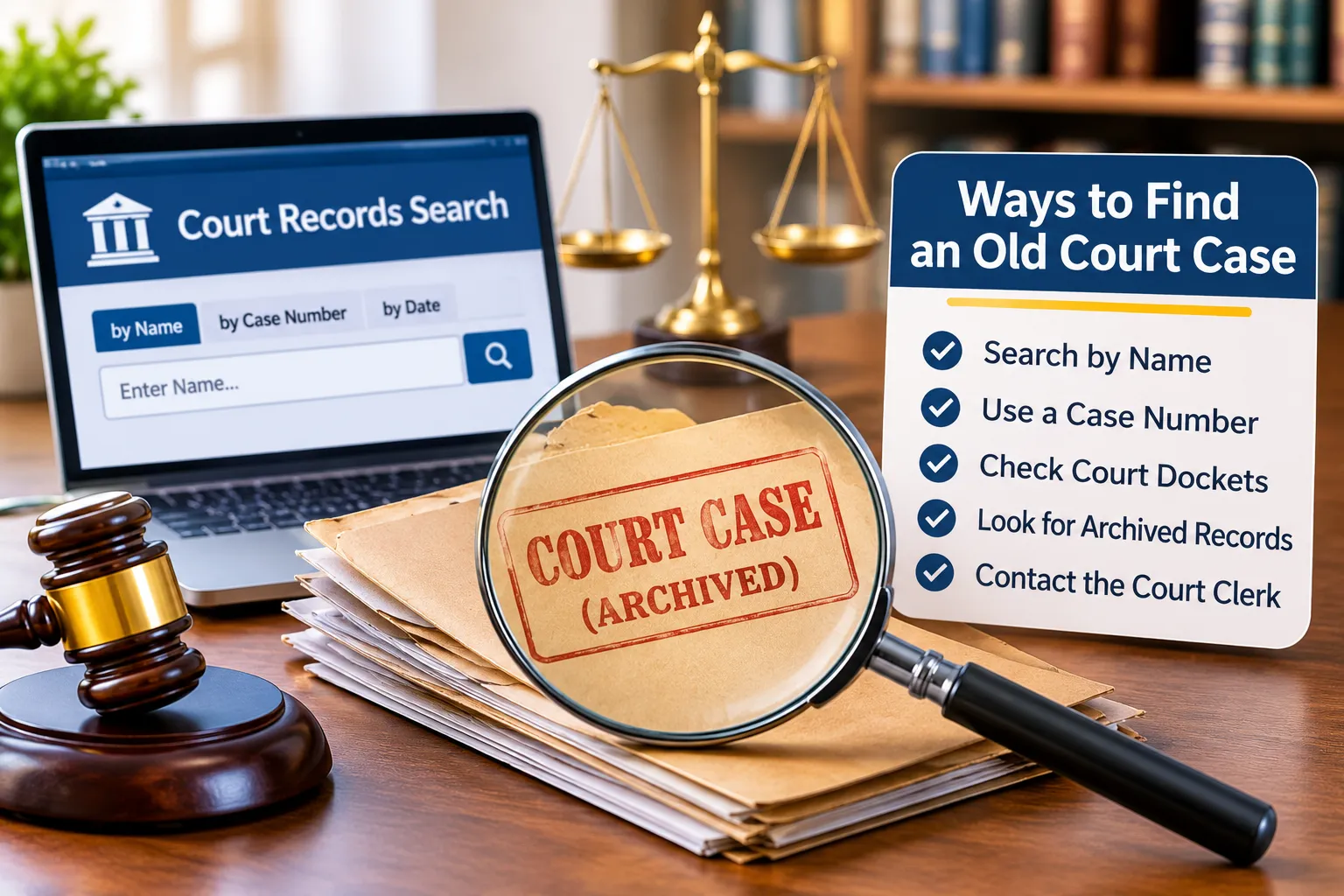
8. Find Archived Court Records
Older cases are not always stored in the same online systems used for current cases. Courts may transfer closed files to an archive, records center, or government repository.
When searching for archived court records, contact the clerk’s office where the case was originally filed. Ask whether the file has been transferred and whether it can be retrieved.
You may need to provide:
- Names of the parties
- Approximate filing or closing year
- Case type
- Original case number, if known
- Court location
For older federal records, the National Archives and Records Administration (NARA) may hold transferred case files. Availability and retrieval procedures depend on the court, record series, and date.
Archived files may take longer to retrieve than current records. Some courts also charge fees for copies, research, or retrieval.
9. Request Copies from the Court Clerk
If online searches do not produce the documents you need, contact the court clerk directly. The clerk’s office can explain how to locate older files, request copies, and check whether access restrictions apply.
Be specific about the documents you need. For example, you may only require the final judgment, docket sheet, or original complaint rather than the entire case file.
Before submitting a request, ask about:
- Required request forms
- Copy and certification fees
- Identification requirements, if applicable
- Processing times
- In-person or mail request options
- Whether records are available electronically
Certified copies may be necessary for certain official purposes. A standard downloaded or photocopied record may not meet those requirements.
Tips for Finding an Old Court Case Faster
A few practical steps can help avoid unnecessary searches:
- Start with the correct jurisdiction: Identify the county, state, or federal court that likely handled the case.
- Use multiple search details: Combine names, locations, and approximate dates.
- Check spelling variations: Older records may contain name variations or data-entry errors.
- Search the right case category: Criminal, civil, probate, and family cases may be stored separately.
- Verify the result: Confirm the parties, filing date, and court before relying on a record.
- Contact the clerk: If the online database is incomplete, ask about archived or paper files.
Conclusion
A careful court records search can help you locate case information, verify important details, and request the documents you need. Always confirm records through the official court or government source before using them for legal or other important purposes.
Frequently Asked Questions
Can I find an old court case online for free?
Often, yes. Many state and local courts provide free access to basic case information. However, downloading documents, accessing certain databases, or requesting certified copies may involve fees.
How can I find a court case if I do not know the case number?
Start with a name search on the official court website. Use the person’s full name, approximate filing year, location, and case type to narrow the results.
How far back can I search court records?
There is no single time limit. Some courts have online records going back many years, while older files may be stored in physical archives or transferred to another repository.
Are all public court records available online?
No. Public access does not always mean online access. Some records require an in-person or written request, and certain documents may be restricted by law or court order.
How do I find an old criminal court case?
Search the official criminal court database for the county or jurisdiction where the case was handled. If it is not available online, contact the criminal court clerk.
What is the difference between a court docket and a case file?
A docket is a chronological list of activity in a case. A case file contains the actual documents submitted or issued during the proceedings, such as complaints, motions, and orders.
Can I search federal court cases by name?
Yes. PACER offers federal case searches by party name and other available identifiers. Some access and document fees may apply.
What if an old case does not appear in the court database?
The case may have been archived, transferred, entered under a different name, or removed from the online system. Contact the original court clerk to ask about other records access options.